If you run a WordPress site and you are not using live chat yet, you are almost certainly leaving leads and revenue on the table. A well configured chat widget does more than answer questions. It captures visitors before they bounce, reassures people at checkout, and gives you a real time window into what your audience actually thinks.
The real challenge is not “should I add live chat” but “which live chat tool actually fits my stack, my team, and my budget.” There are dozens of plugins and SaaS tools that integrate with WordPress, each with different pricing models, automation features, and performance profiles.
This guide combines structured comparison with real world feedback from WordPress users, and it focuses on eight proven tools:
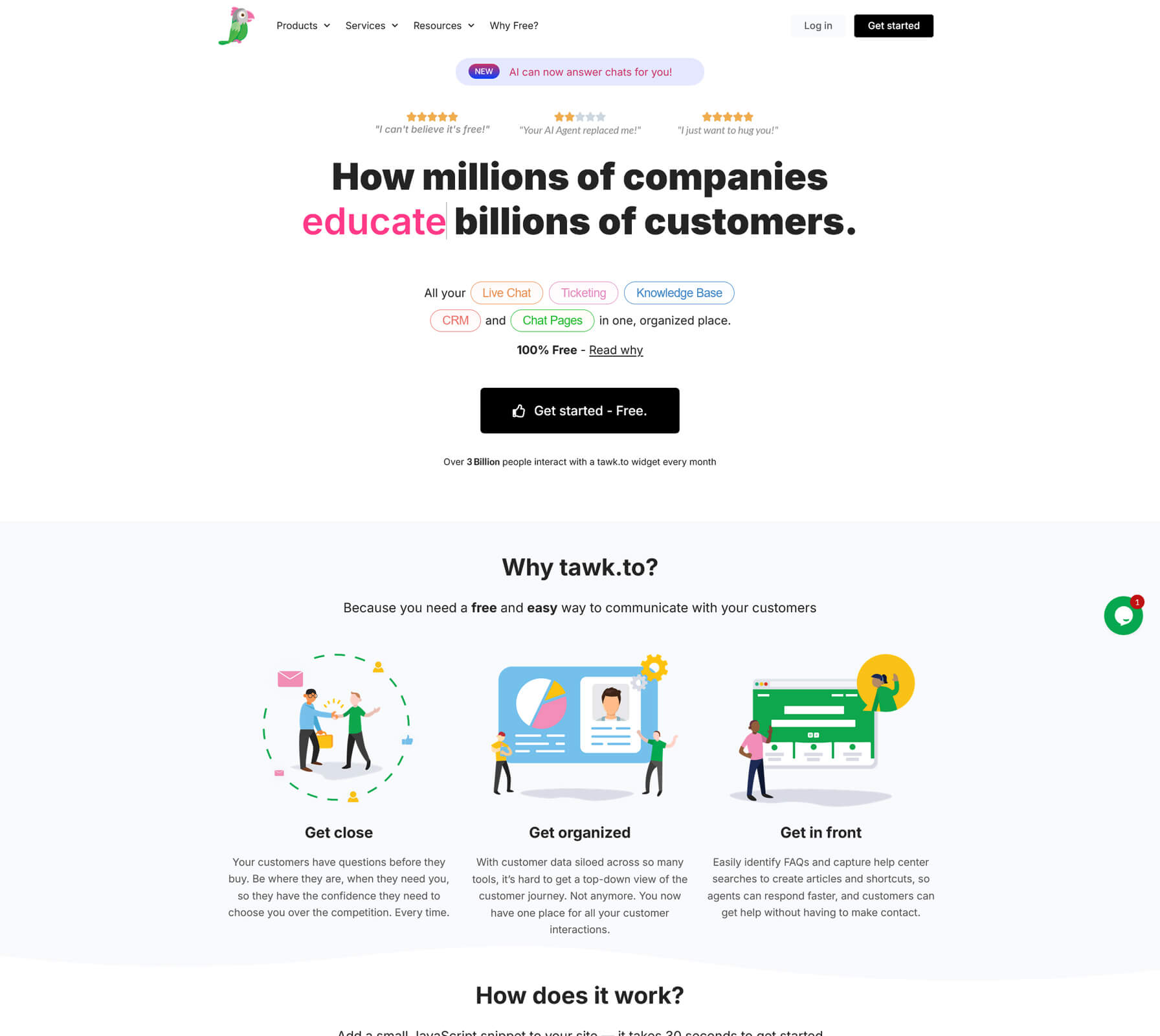
- Tawk.to
- Tidio
- LiveChat
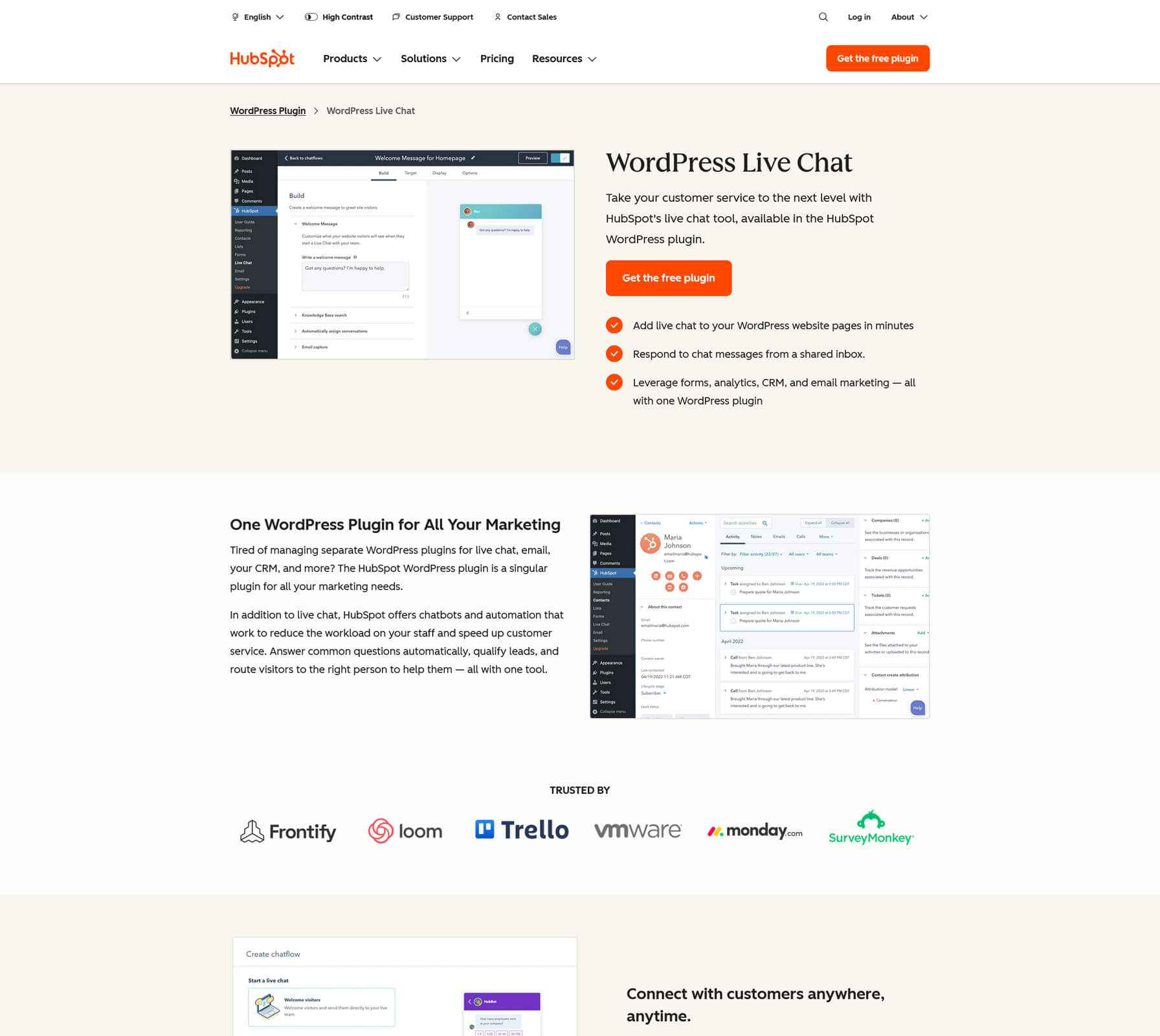
- HubSpot Chat
- Crisp
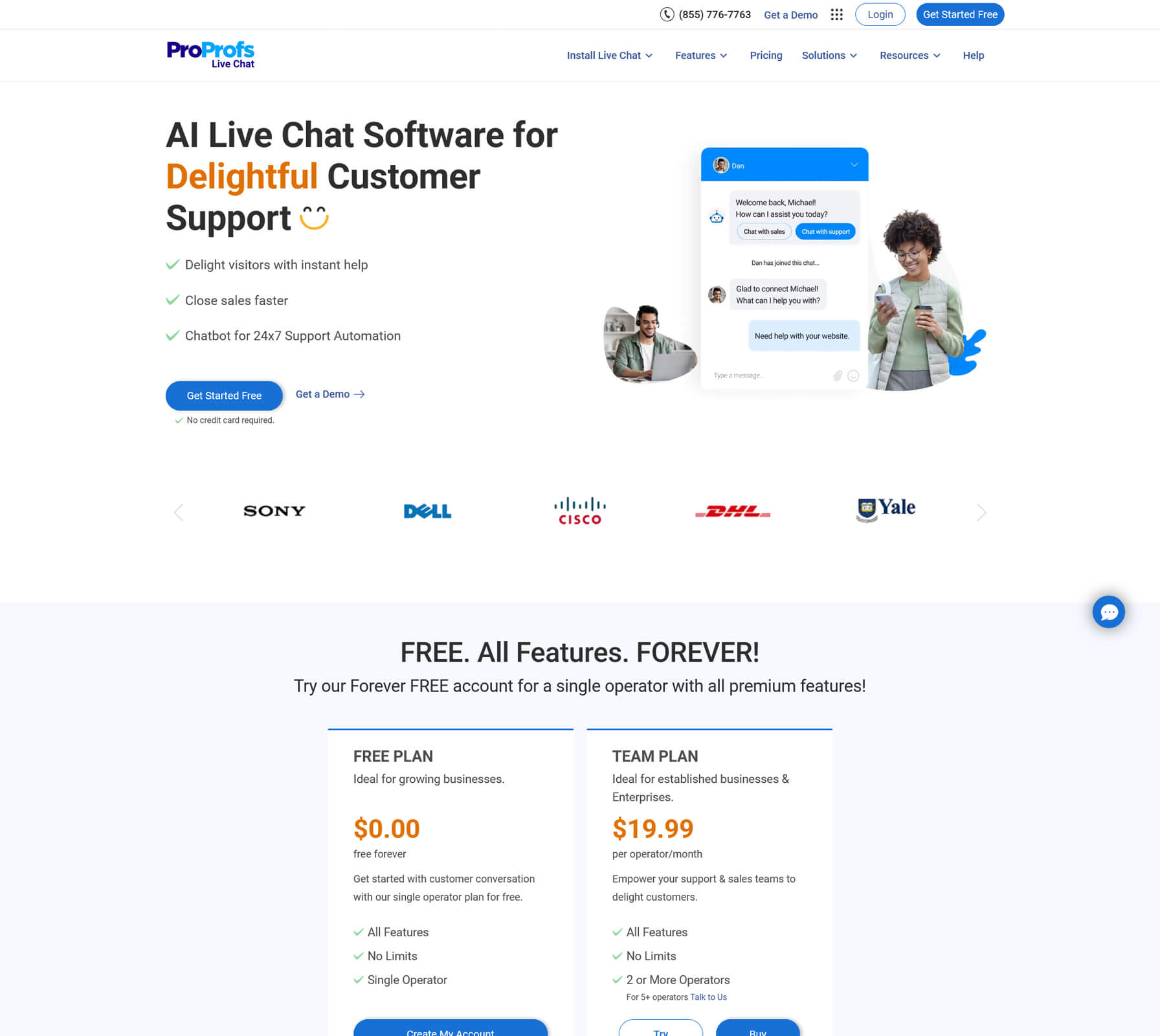
- ProProfs Chat
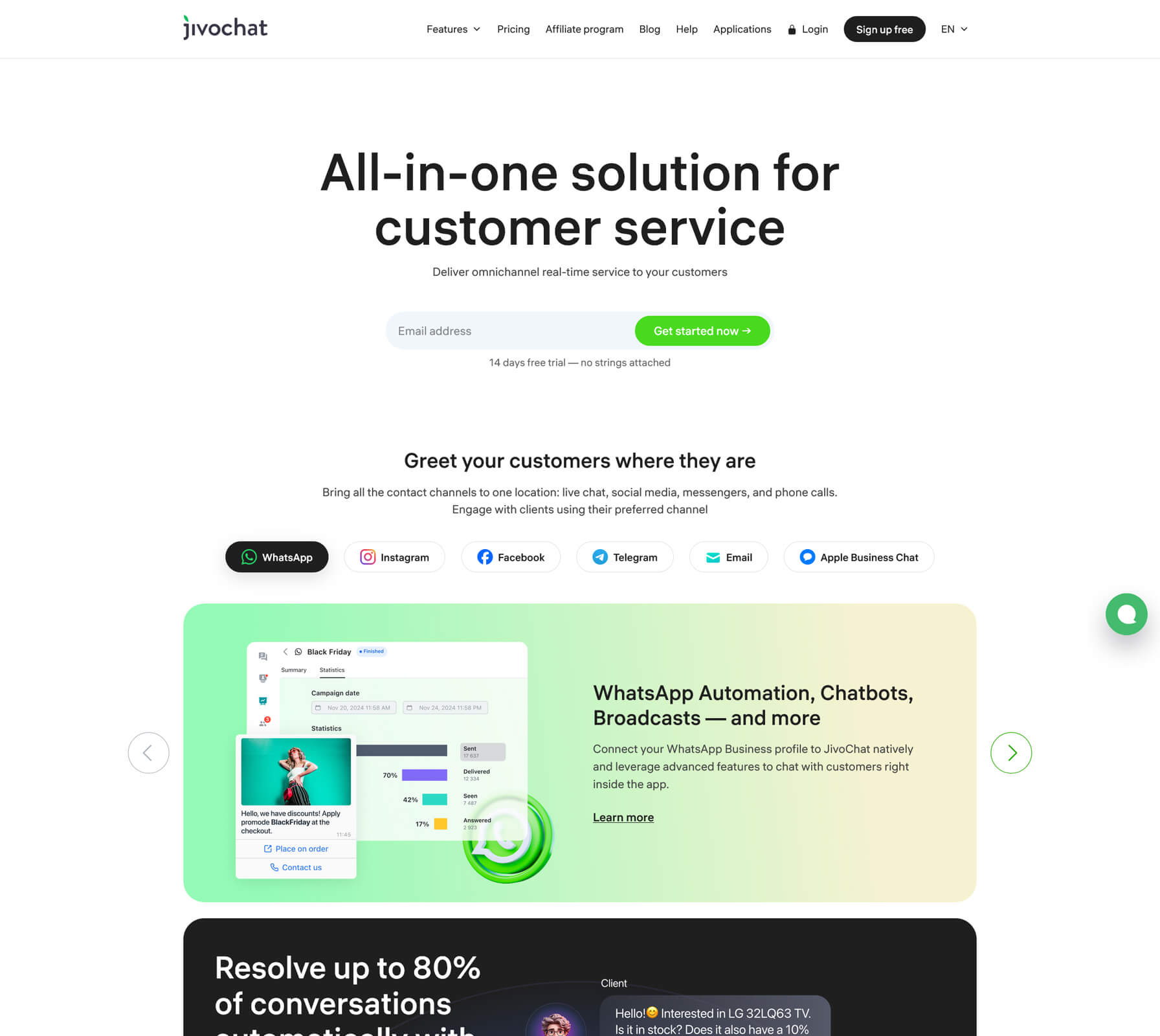
- JivoChat
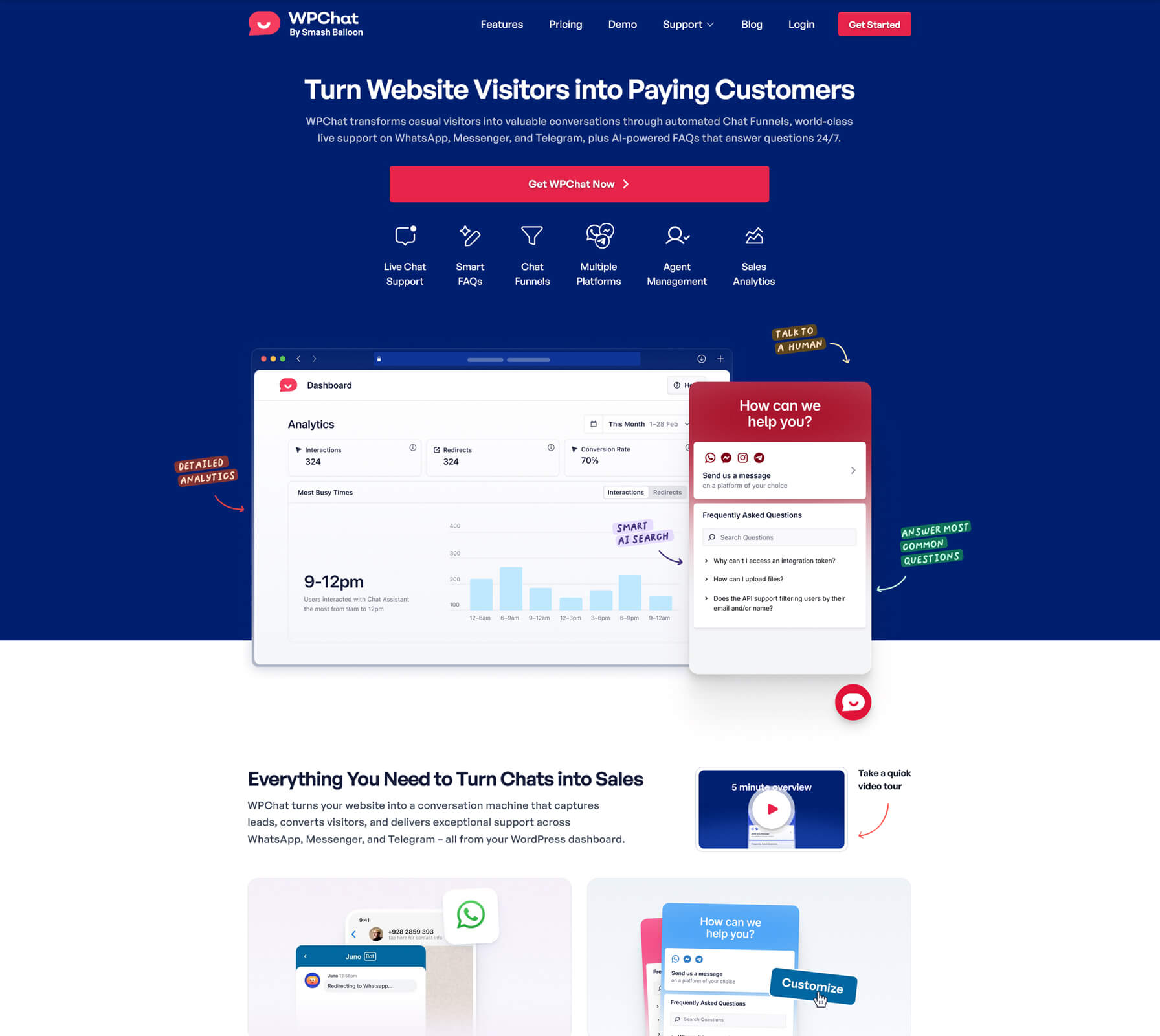
- WPChat
You will find an at a glance table, detailed breakdowns, and scenario based recommendations, plus one important practical requirement for this version of the article: every tool includes its direct URL in plain text.
How to choose the right live chat plugin for WordPress
Before comparing tools, get clear on what you actually need live chat to do.
1. Define your primary use case
Your best option will change depending on whether you care most about:
- Capturing leads for services or B2B
- Pre sales support on product and pricing pages
- Ecommerce support around checkout and returns
- Logged in support for members or existing customers
- Automation and AI to deflect common questions
For example, Tidio, Crisp, and ProProfs Chat lean hard into automation and AI, while HubSpot Chat is ideal when you want everything tied directly into a CRM.
2. Decide how “heavy” your stack should be
You have a few broad patterns:
- Hosted live chat tied to a WordPress plugin (Tawk.to, Tidio, LiveChat, Crisp, ProProfs Chat, JivoChat)
- Live chat that is part of a larger CRM and marketing suite (HubSpot Chat)
- A multichannel messenger style widget that routes people into WhatsApp, Messenger, and similar apps (WPChat)
If you prefer minimal dependencies inside WordPress, a hosted service with a small integration plugin is often the cleanest approach.
3. Understand pricing and scaling
Watch for:
- Per agent pricing (LiveChat, JivoChat, many higher end tools)
- Per workspace pricing (Crisp)
- Free forever tiers with limits on agents or conversations (Tidio, ProProfs Chat, Crisp)
- Fully free tools that only charge for optional services (Tawk.to)
It is important to project at least one year ahead. A tool that looks cheap for one agent can become expensive when you have five or ten people logged in.
4. Do not ignore performanc
Live chat that slows down your site will cost you conversions. After installing any plugin:
- Test page load and Core Web Vitals
- Check how the script loads (asynchronous vs blocking)
- Verify that mobile visitors still get a fast experience
A high quality live chat integration should have a minimal impact on performance while still collecting useful data and providing a smooth user experience.
Quick comparison: top WordPress live chat tools
Here is an at a glance comparison of eight strong options. Pricing is approximate and based on publicly available information in 2025. Always verify current pricing on each vendor site before you make a final decision.
|
Plugin |
Best for |
Starter pricing snapshot (approximate) |
Free plan? |
|
Sites that want powerful chat at zero software cost |
Software free, optional hired agents from about $1/hr |
Yes, unlimited agents |
|
|
Stores that want chat plus AI automation |
Free tier, paid plans from roughly $25–29 per month |
Yes, limited free plan |
|
|
Sales and support teams that need depth and analytics |
Plans starting around $19 per agent per month |
Free trial only |
|
|
Sites that want chat tied closely to CRM |
Live chat included in free HubSpot CRM, paid hubs later |
Yes, free CRM and chat |
|
|
Teams that want a shared inbox and multichannel |
Free tier, Mini around $45 per month per workspace |
Yes, free plan |
|
|
Small teams that want serious features on a budget |
Single operator free, team plans from about $19.99/operator |
Yes, single operator plan |
|
|
Businesses that need chat plus calls and omnichannel |
Free plan for up to 5 agents, paid tiers from around $28/agent |
Yes, free tier |
|
|
WordPress sites that want to route chats into apps |
Premium licenses from around $49 per year |
Yes, restricted free plugin |