Best Live Chat for WordPress in 2026: Expert Picks, Reddit Favorites, and Real Pricing

Alliance  ·  December 11

This guide combines structured comparison with real world feedback from WordPress users, and it focuses on eight proven tools.


If you run a WordPress site and you are not using live chat yet, you are almost certainly leaving leads and revenue on the table. A well configured chat widget does more than answer questions. It captures visitors before they bounce, reassures people at checkout, and gives you a real time window into what your audience actually thinks.

The real challenge is not “should I add live chat” but “which live chat tool actually fits my stack, my team, and my budget.” There are dozens of plugins and SaaS tools that integrate with WordPress, each with different pricing models, automation features, and performance profiles.

This guide combines structured comparison with real world feedback from WordPress users, and it focuses on eight proven tools:

  • Tawk.to
  • Tidio
  • LiveChat
  • HubSpot Chat
  • Crisp
  • ProProfs Chat
  • JivoChat
  • WPChat

You will find an at a glance table, detailed breakdowns, and scenario based recommendations, plus one important practical requirement for this version of the article: every tool includes its direct URL in plain text.

How to choose the right live chat plugin for WordPress

Before comparing tools, get clear on what you actually need live chat to do.

1. Define your primary use case

Your best option will change depending on whether you care most about:

  • Capturing leads for services or B2B
  • Pre sales support on product and pricing pages
  • Ecommerce support around checkout and returns
  • Logged in support for members or existing customers
  • Automation and AI to deflect common questions

For example, Tidio, Crisp, and ProProfs Chat lean hard into automation and AI, while HubSpot Chat is ideal when you want everything tied directly into a CRM.

2. Decide how “heavy” your stack should be

You have a few broad patterns:

  • Hosted live chat tied to a WordPress plugin (Tawk.to, Tidio, LiveChat, Crisp, ProProfs Chat, JivoChat)
  • Live chat that is part of a larger CRM and marketing suite (HubSpot Chat)
  • A multichannel messenger style widget that routes people into WhatsApp, Messenger, and similar apps (WPChat)

If you prefer minimal dependencies inside WordPress, a hosted service with a small integration plugin is often the cleanest approach.

3. Understand pricing and scaling

Watch for:

  • Per agent pricing (LiveChat, JivoChat, many higher end tools)
  • Per workspace pricing (Crisp)
  • Free forever tiers with limits on agents or conversations (Tidio, ProProfs Chat, Crisp)
  • Fully free tools that only charge for optional services (Tawk.to)

It is important to project at least one year ahead. A tool that looks cheap for one agent can become expensive when you have five or ten people logged in.

4. Do not ignore performanc

Live chat that slows down your site will cost you conversions. After installing any plugin:

  • Test page load and Core Web Vitals
  • Check how the script loads (asynchronous vs blocking)
  • Verify that mobile visitors still get a fast experience

A high quality live chat integration should have a minimal impact on performance while still collecting useful data and providing a smooth user experience.

Quick comparison: top WordPress live chat tools

Here is an at a glance comparison of eight strong options. Pricing is approximate and based on publicly available information in 2025. Always verify current pricing on each vendor site before you make a final decision.

Plugin

Best for

Starter pricing snapshot (approximate)

Free plan?

Tawk.to

Sites that want powerful chat at zero software cost

Software free, optional hired agents from about $1/hr

Yes, unlimited agents

Tidio

Stores that want chat plus AI automation

Free tier, paid plans from roughly $25–29 per month

Yes, limited free plan

LiveChat

Sales and support teams that need depth and analytics

Plans starting around $19 per agent per month

Free trial only

HubSpot Chat

Sites that want chat tied closely to CRM

Live chat included in free HubSpot CRM, paid hubs later

Yes, free CRM and chat

Crisp

Teams that want a shared inbox and multichannel

Free tier, Mini around $45 per month per workspace

Yes, free plan

ProProfs Chat

Small teams that want serious features on a budget

Single operator free, team plans from about $19.99/operator

Yes, single operator plan

JivoChat

Businesses that need chat plus calls and omnichannel

Free plan for up to 5 agents, paid tiers from around $28/agent

Yes, free tier

WPChat

WordPress sites that want to route chats into apps

Premium licenses from around $49 per year

Yes, restricted free plugin

Tool by tool: the best WordPress live chat options

1

Tawk.to

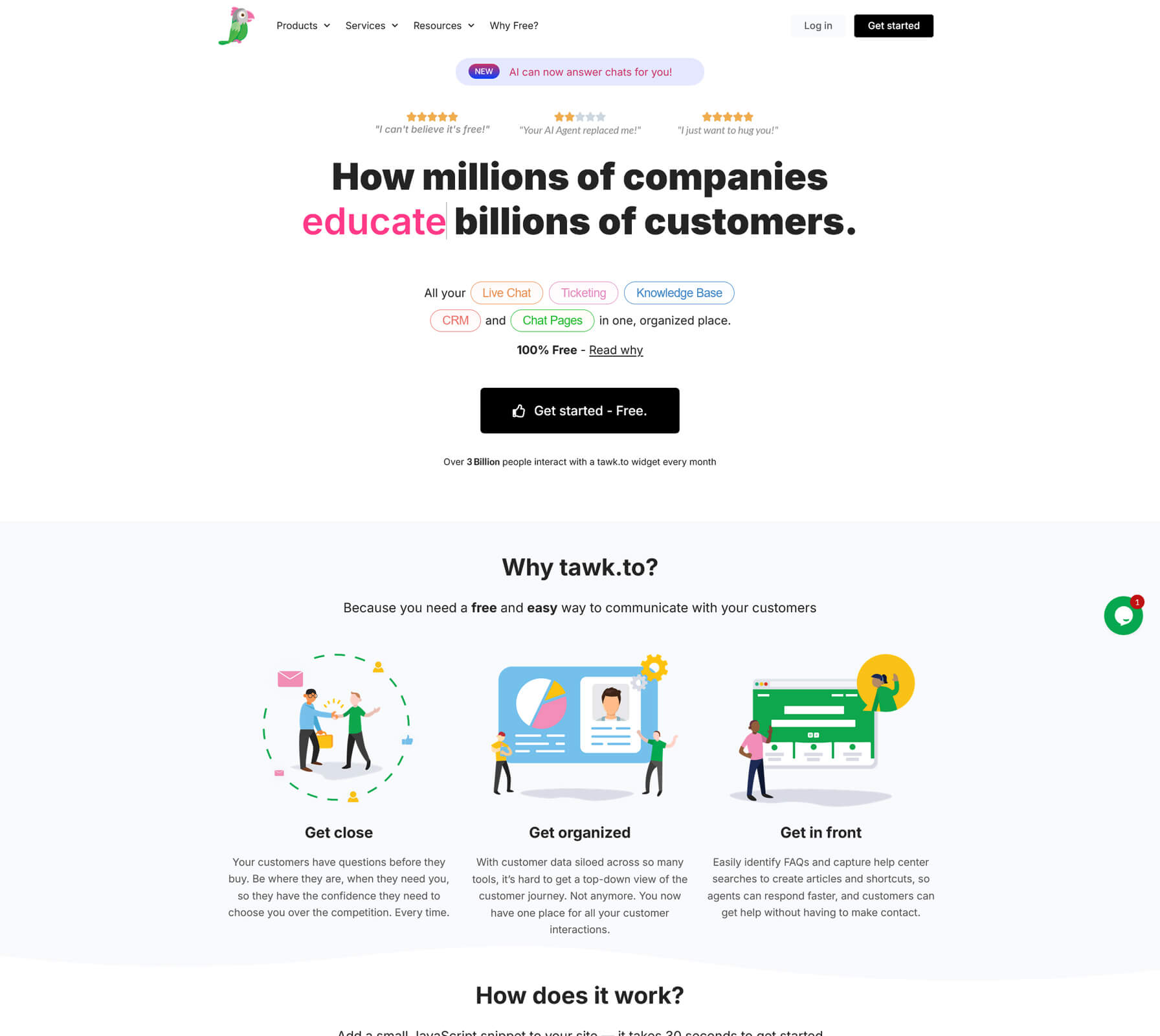
Tawk.to is one of the most popular free live chat tools for WordPress. It is widely recommended in community discussions because it offers:

  • Unlimited agents, chats, and websites
  • Web, desktop, and mobile apps for operators
  • Features such as canned responses, visitor monitoring, and chat history

The software itself is completely free. Tawk.to makes money by offering optional human agents you can pay for by the hour. If you want your team to answer chats, you pay nothing. If you want Tawk.to staff to handle them, you pay an hourly rate.

Best for: budget conscious sites that still want a full featured chat solution and are comfortable with a hosted dashboard outside of WordPress.

Visit site Tawk.to
2

Tidio

Tidio has become a favorite among ecommerce and WooCommerce sites because it combines live chat, help desk features, and AI chatbots in a single interface. Key strengths include:

  • A modern live chat widget that looks good on desktop and mobile
  • AI powered agents and visual chatbot flows that can answer common questions and handle basic tasks
  • Integrations with WooCommerce, Shopify, HubSpot, email marketing tools, and major social channels

Tidio offers a free plan that includes a limited number of billable conversations and basic features. Paid plans start in the mid twenties per month and scale up based on the volume of conversations and the modules you enable.

Best for: online stores and subscription services that want to mix real time human chat with AI and automation without stitching multiple systems together.

Visit site Tidio
3

LiveChat

LiveChat is a long standing premium live chat platform that appears in almost every serious comparison of customer service and help desk tools. It is designed for teams that live in their inbox and need strong analytics and routing.

Core features typically include:

  • Customizable chat widgets that blend into your site design
  • Built in ticketing for handling offline requests and follow up
  • Powerful routing, tags, and canned responses
  • Integrations with ecommerce, CRM, and help desk platforms

LiveChat pricing is based on per agent licensing. Entry level plans usually start around $19 per agent per month on annual billing, with higher tiers adding more features, integrations, and reporting.

Best for: mature sales and support teams that want a comprehensive chat and messaging hub rather than a simple widget.

Visit site LiveChat
4

HubSpot Chat

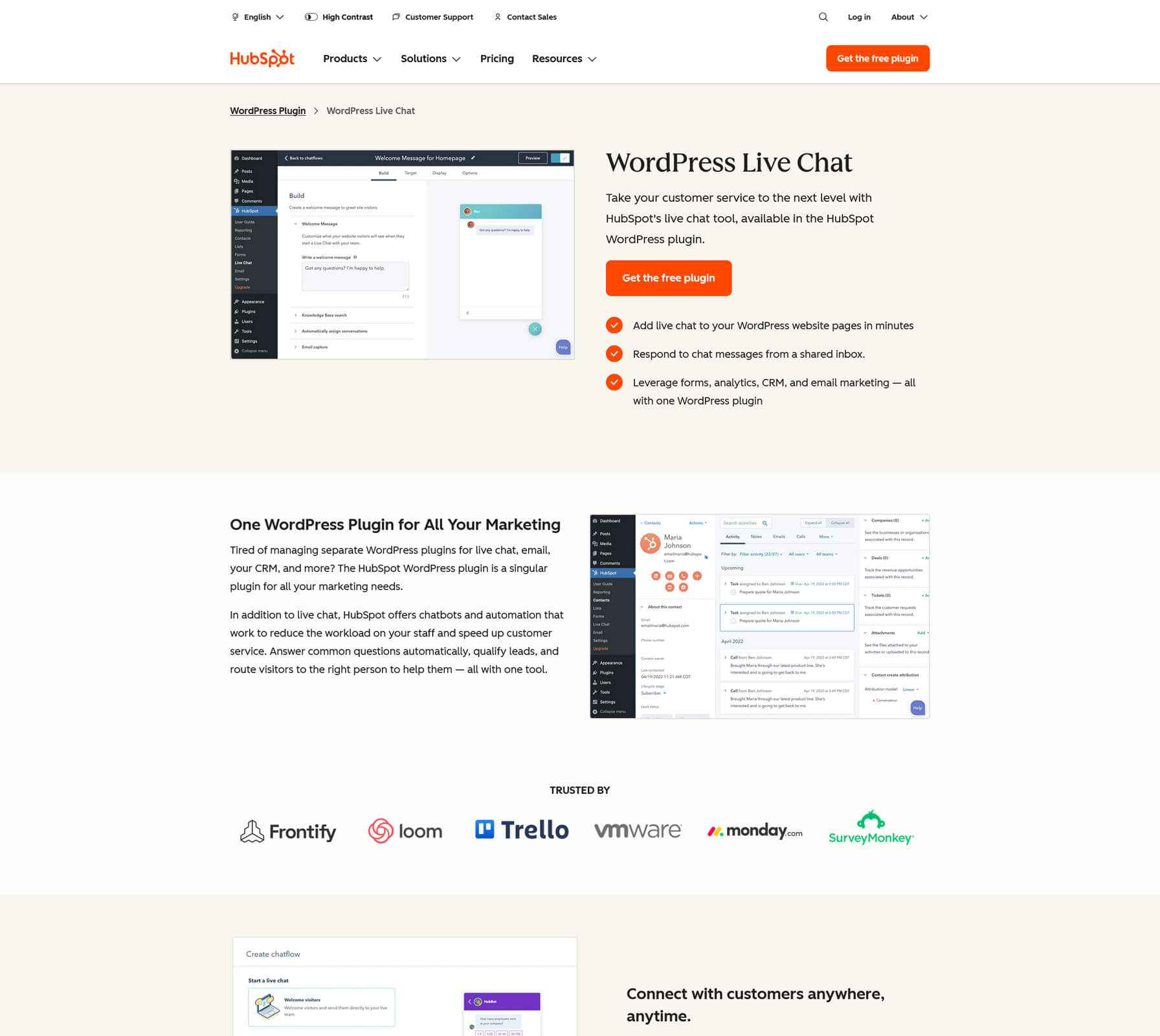
HubSpot Chat is not a standalone live chat tool. It is part of the broader HubSpot CRM and marketing platform, and it integrates through the official HubSpot plugin for WordPress.

With the plugin active you get:

  • Live chat and basic chatbots through HubSpot chatflows
  • A shared inbox so your team can handle chat, email, and other messages in one place
  • Automatic logging of every conversation to contacts in the HubSpot CRM
  • Access to forms, email marketing, and analytics inside the same stack

The live chat component is available on the free HubSpot CRM plan. As your needs grow, you can upgrade to paid Marketing, Sales, or Service Hubs, but many smaller sites run for quite some time on the free tier.

Best for: organizations that either already use HubSpot or want an all in one platform for CRM, forms, email, and live chat.

Visit site HubSpot Chat
5

Crisp

Crisp positions itself as a shared inbox for all of your customer communication. Live chat is at the center, but email and social messaging channels can be plugged in so the team sees everything in one interface.

Important aspects include:

  • A sleek live chat widget with options for knowledge base integration and in app messages
  • A shared team inbox where email, chat, and social messages can be triaged and assigned
  • Automation and AI features on higher plans, including chatbots and campaign tools
  • Apps for major platforms so your agents can respond from anywhere

Crisp offers a free plan for small sites, then charges per workspace rather than per agent. Mini, Essentials, and Plus plans increase in price and feature set, which can be attractive if you prefer predictable workspace based pricing.

Best for: businesses that want a modern, multichannel inbox, prefer one central tool for messaging, and like the idea of scaling by workspace rather than by individual agent.

Visit site Crisp
6

ProProfs Chat

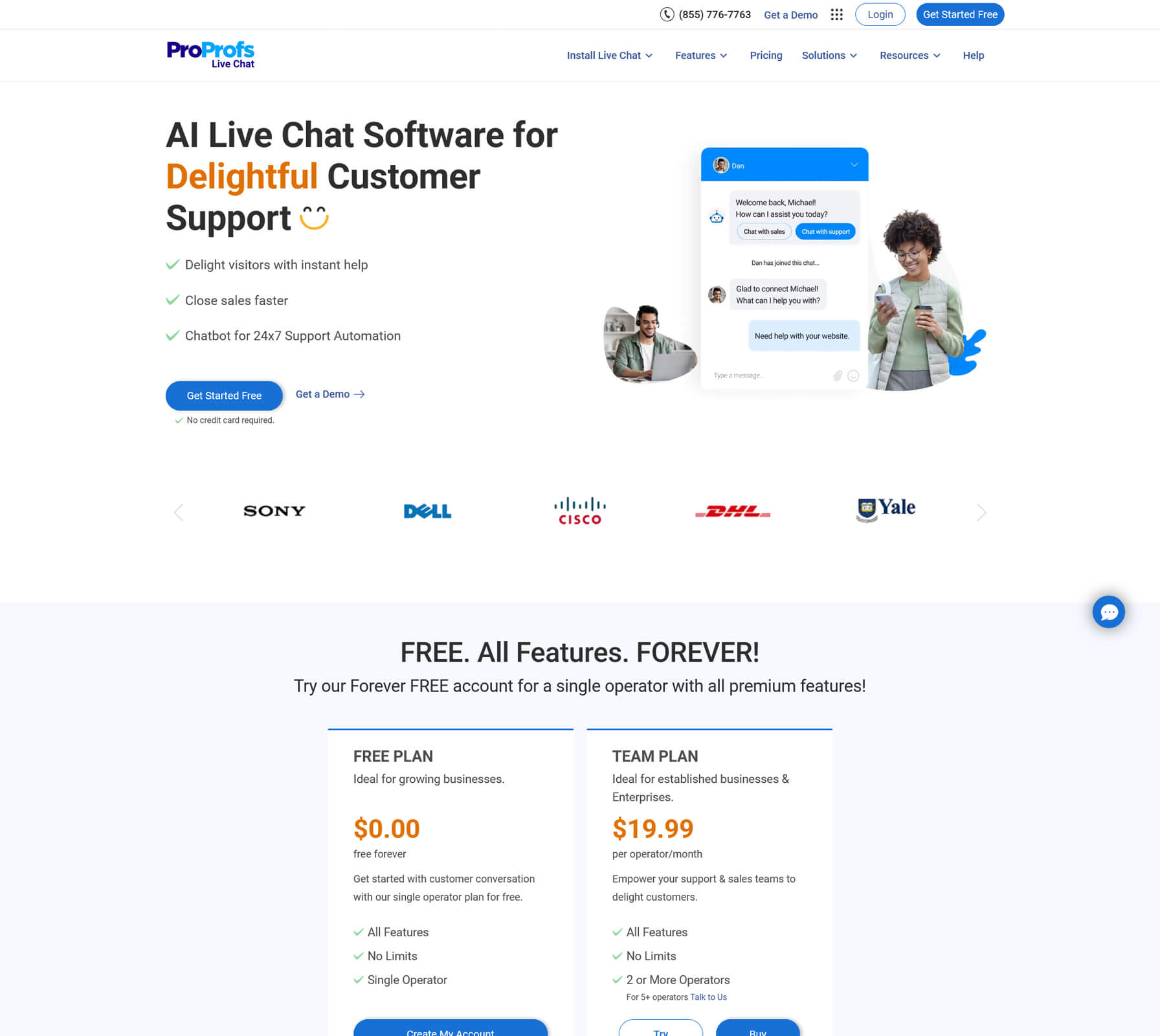
ProProfs Chat often shows up in “best live chat” lists because it blends traditional live chat with AI, routing, and robust reporting while still staying relatively affordable.

Typical feature highlights include:

  • Customizable chat widgets with proactive invitations and announcements
  • Real time visitor tracking and advanced routing rules
  • AI powered chatbots that can qualify leads and answer FAQs
  • Integrations with CRMs, knowledge bases, and help desk tools

One of the most attractive aspects is the pricing model. ProProfs Chat offers a free forever single operator plan that includes the full feature set, which is ideal for solo sites or early stage projects. Team plans then start on a per operator per month basis, so you can grow as needed.

Best for: small to midsize teams that want serious functionality and automation without jumping straight into enterprise pricing.

Visit site ProProfs Chat
7

JivoChat

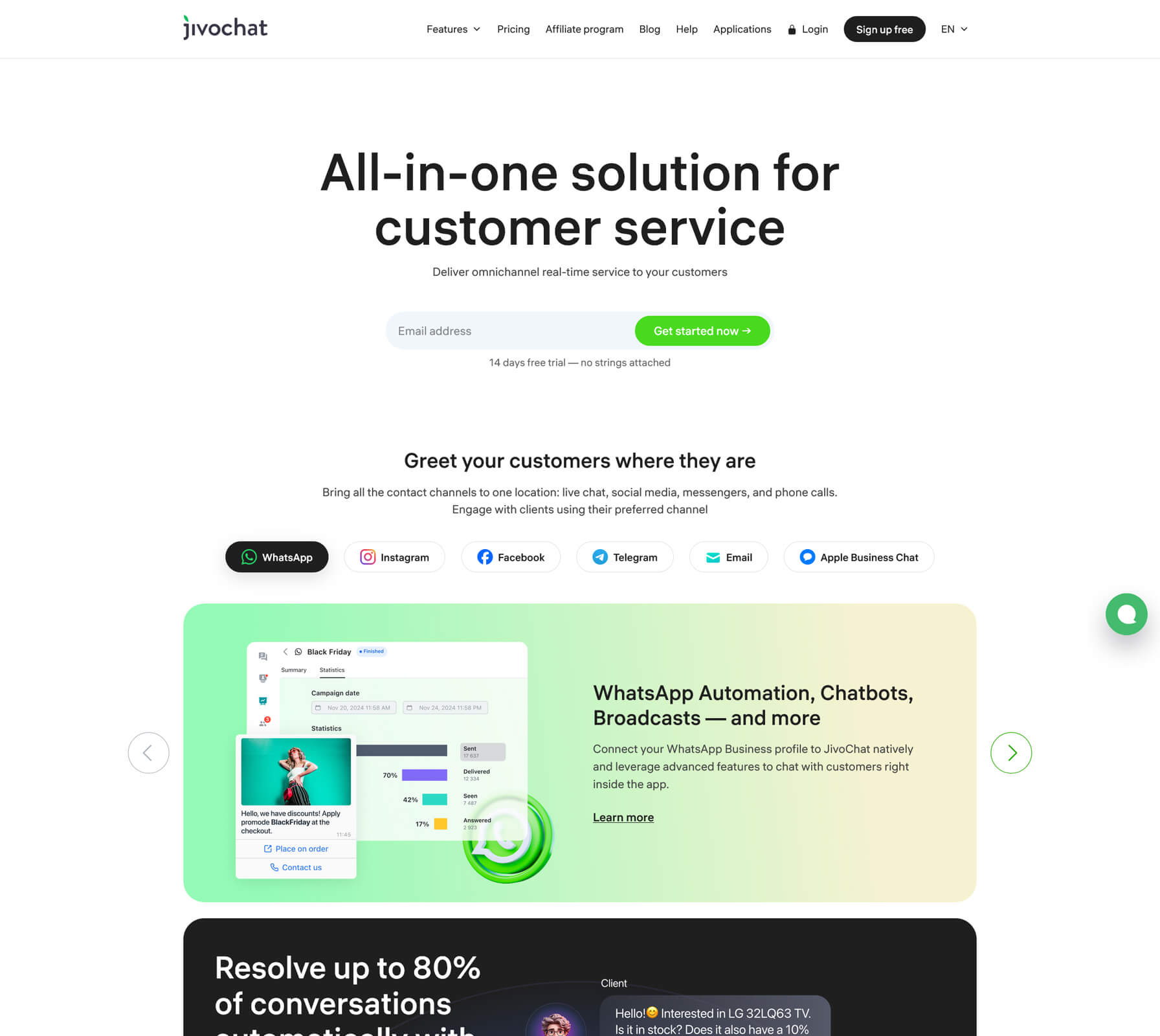
JivoChat is an omnichannel business messenger. Instead of treating live chat as a separate channel, it pulls together:

  • Website live chat
  • Social messaging channels like Facebook, Instagram, and WhatsApp
  • Email
  • Call features, including click to call and in browser calls

From a customer’s perspective it feels like one smooth experience across multiple channels. From your team’s perspective, everything is visible and manageable inside the JivoChat agent app.

JivoChat offers a free plan that covers up to five agents, which is generous for a tool with omnichannel support. Paid plans are per agent and unlock more advanced features, analytics, and add ons.

Best for: businesses that rely heavily on both chat and phone support, or that want a single place to manage web, social, and voice communication.

Visit site JivoChat
8

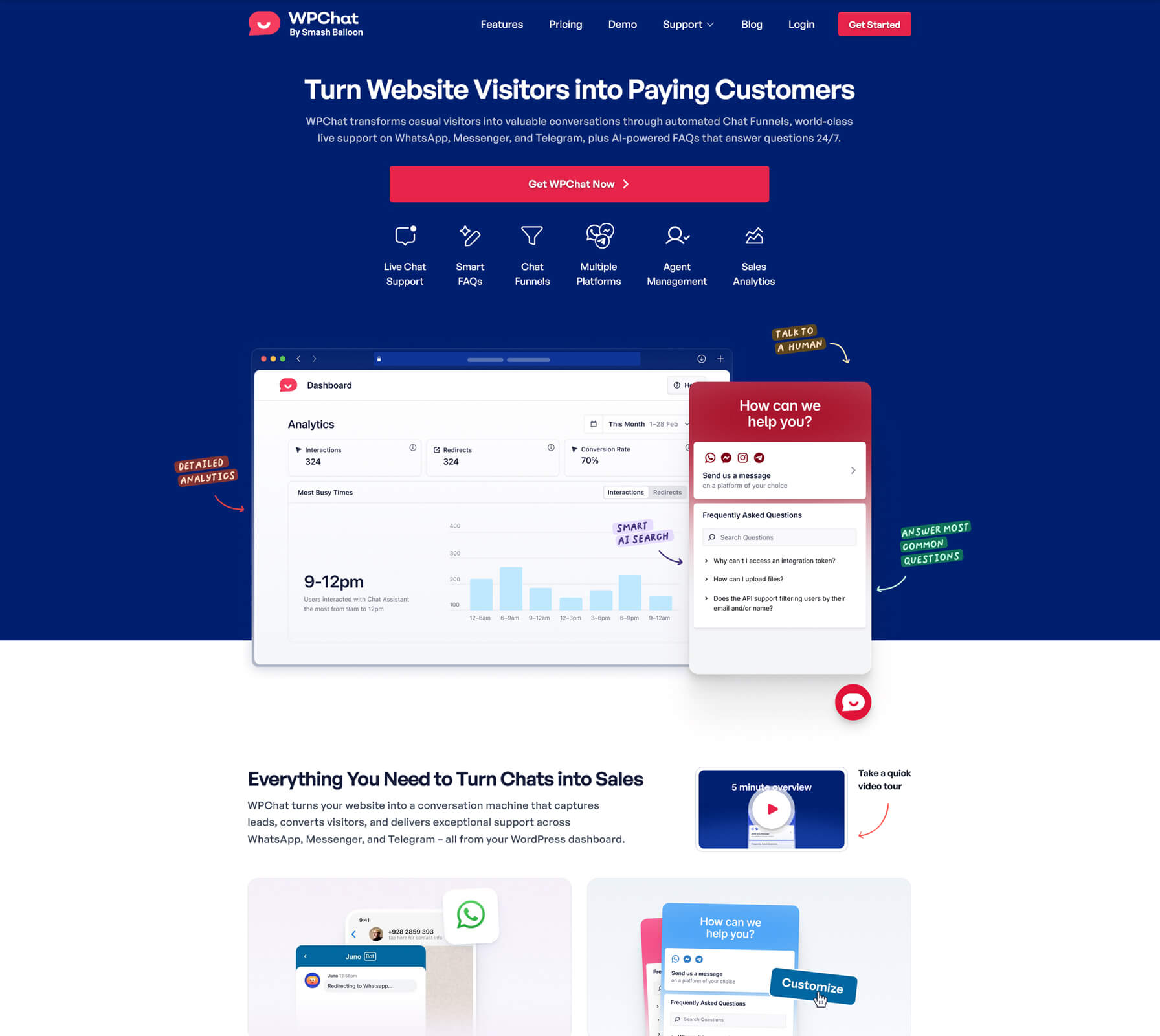
WPChat

WPChat is a WordPress focused live chat plugin designed around the idea that customers increasingly want to continue conversations in their favorite messaging apps rather than inside a one off website widget.

In practice that means:

  • You add a WPChat widget to your WordPress site
  • When visitors click to chat, the conversation moves into WhatsApp, Messenger, Instagram, or Telegram
  • The conversation continues even after the visitor leaves your site

This approach has a few advantages. Your support team can live in the messaging apps they already use, and customers get to keep chat history in an app they recognize.

WPChat uses a familiar WordPress plugin licensing model, with premium licenses for different numbers of sites and features, and a limited free version for basic use.

Best for: content sites, local services, and small businesses whose audiences already expect to communicate on WhatsApp or Messenger.

Visit site WPChat

What WordPress users on Reddit typically prefer

If you read through live chat recommendation threads on Reddit, a few patterns emerge:

  • Tawk.to is a common first recommendation when someone wants “the best free live chat for WordPress” and does not mind a hosted dashboard.
  • Tidio and Crisp are often suggested when performance, design, and automation matter and the site has some budget.
  • ProProfs Chat comes up when users want both a serious feature set and a generous free or low cost entry plan.
  • WPChat and similar “click to WhatsApp” style tools are mentioned more often now that many audiences prefer messaging apps over traditional on site chat.

The key takeaway is that there is no single winner. Real users pick tools that match their workflows, not just the feature grid.

Recommendations by scenario

If you are short on time, here is a quick decision guide.

  • Best truly free live chat for most WordPress sites
    Choose Tawk.to. You get unlimited agents and chats with a straightforward dashboard, and you only pay if you decide to use their hired agents.
  • Best free live chat when you also want CRM
    Choose HubSpot Chat . Every chat becomes part of a full CRM record, and you can expand into email and automation later.
  • Best balance of live chat and AI automation for ecommerce
    Choose Tidio. You get live chat, help desk features, and AI chatbots in one platform that integrates tightly with WooCommerce and other commerce tools.
  • Best multichannel inbox with flat workspace pricing
    Choose Crisp . It gives you a shared inbox that brings together website chat, email, and social messaging with a clean interface.
  • Best structured upgrade path from a free solo plan
    Choose ProProfs Chat. You can run a single operator setup for free, then move into team plans as chat volume and headcount grow.
  • Best chat plus calls and full omnichannel messaging
    Choose JivoChat. It is strong when your workflows span phone, chat, and social channels.
  • Best way to push conversations into WhatsApp and Messenger
    Choose WPChat. It is built specifically to connect your WordPress site to the messaging apps your customers already use.